

Skip to content
DoclightDoclight

Home/ Changelog

What’s new

A clearer product.
One update at a time.

Follow what’s changing at Doclight, newest first. Dates are when each change was completed.

Looking for a guide? Visit the docs

Package store with account credit

A new Package store in Settings lets you spend available account credit on a capacity package for one fixed, non-renewing term. Credit is the only payment method: mixed cash-plus-credit purchases are not supported. The store is off by default and appears only where the operator has enabled it.
Delete questions without losing history

You can delete a single question, a selection of questions, or all questions for a brand. Deleted questions stop running, while the answers already collected stay in your reports and history.

Live requests page

A new Live page shows requests from AI crawlers and agents as they arrive, with filters, pause and resume, and a connection status indicator. It refreshes by polling every five seconds, so it is near-real-time rather than instant. Agent identity is shown as observed but unverified.

More useful notifications

You are now notified about sign-ins from a new device, when a report, website crawl or agent audit finishes with a usable result, and about teammate activity. Related teammate events are grouped, and only people entitled to see an event are notified.

Referral discounts and credit

Referral rewards are now handled by the backend: a referral qualifies after the referred person's first successful live payment, the referrer receives account credit once a hold period passes, and a refund of that payment reverses it. Discounts and reward values are set by the operator and are off by default; nothing is offered publicly until they are configured.

Capacity package checkout

Capacity packages can be bought through a checkout that records a receipt first and grants capacity only after the payment provider's verified webhook arrives. Interrupted purchases are recovered automatically. Each package is its own recurring subscription and is available only once the operator has mapped it to a Lemon Squeezy variant.

Guided setup for new brands

Adding a brand now walks you through markets, languages, competitors and a review of the suggested questions before anything is saved. Additional brands do not use up the free scan, and questions stay paused until you explicitly choose to start measuring.

Verified domains and access-log ingestion

You can prove ownership of a domain with a DNS record, and a dedicated page shows the DNS check and the data connection as two separate states. Verified domains can also receive Cloudflare access logs through an authenticated endpoint, with setup documentation. Ownership verification alone does not produce traffic data, and log ingestion is off by default; its end-to-end check against Cloudflare is still pending.

Browser embed foundations

The tracking script is now served by the Doclight backend with a configurable host and a publishable key tied to one brand. Browser pageviews are stored as their own evidence and are never mixed into crawler telemetry. The proposed cdn.doclight.app host has not been set up yet, so the script is not publicly available from that domain.

Notification inbox

Your account now has a persistent notification inbox with read state, per-category preferences, and live delivery over WebSocket that reconnects automatically. Notifications remain available after you close the page.

Clearer API credentials

Scoped API credentials are listed persistently and can be rotated one at a time. A full secret is shown only once, when it is created or rotated. Setup instructions now distinguish REST and MCP access, SDK ingestion and the legacy key.

Reliable delivery tests

Test messages for alerts and webhooks now report a clear delivered, failed or unknown outcome, and diagnostics for Slack and webhooks never reveal secrets. Email reports fall back to Resend when the primary mail route is unavailable. These improvements were checked with a local receiver, not a live Slack workspace or production report.

Easier-to-navigate Settings

Settings is organised into categories with direct links to each section and a layout that works on mobile screens.

Every account has a stable referral code and a working signup link, and signups that use it are attributed to the referrer.

Account credit ledger

Account credit is now an auditable, append-only ledger with balances and a transaction history in your account. Credit is noncash and cannot be withdrawn as a payout.

Configurable capacity packages

Capacity can be added on top of your plan through packages that increase your effective limits. Packages need to be enabled by the operator and mapped to a billing variant, so none is available until then. Package prices are drafts, not public offers.

Guided tour removed

The automatic guided tour is gone. Onboarding is still available whenever you want it.

Clearer citation rows in reports

Provider rows in reports and shared reports now tell apart an answer that cites your brand from one with no link. This was verified with test fixtures; no earlier numbers needed to be repaired.

Design update

A new way to get to know Doclight.

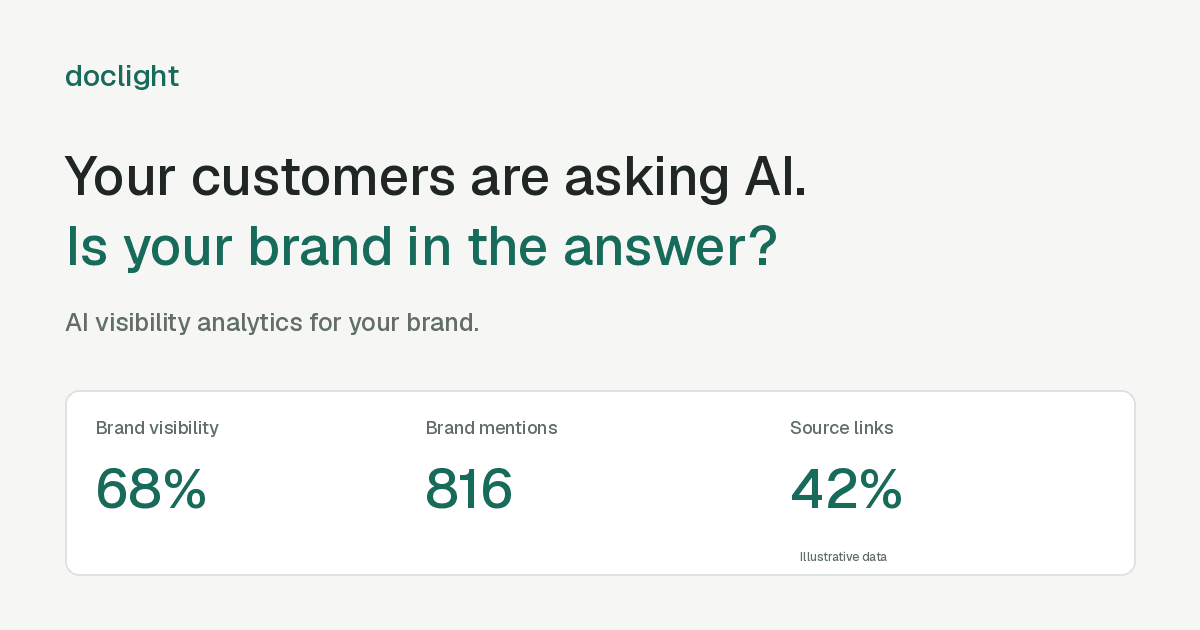
An analytics-first website that brings the product into view, with a clearer path from your first question to the evidence behind a metric.

Doclight analytics preview showing illustrative brand visibility, mentions and source links

A closer look at the product

  • An interactive dashboard preview with provider filters, reports and recommended actions.
  • An answer explorer connecting a tracked question to an example response.
  • Animated diagrams explaining the measurement workflow.

A more complete website

  • A redesigned About page and this Changelog.
  • Direct access to the documentation, account creation and login.
  • Light and dark themes, with a layout that adapts to mobile.

This entry covers the marketing website. Dashboard data on the website is illustrative; it does not announce a new live analytics release.

Explore the new experience

Mentions and position in answers

Answers are now checked for your brand name as well as your domain, so a mention without a link counts. When an answer is a numbered list, your position in it is recorded. Mention rates appear on the dashboard and in competitor views.

Dashboard assistant

Ask questions about your data in a conversation page. The assistant can add a long list of questions at once, including across several brands, and asks you to confirm before it changes anything.

Daily email reports

Report emails can now be sent daily as well as weekly, on the schedule you choose.

Website SDK and self-service cancellation

Send AI agent requests from your own website to Doclight and see them in the dashboard. You can also cancel your subscription yourself in Settings; access continues until the end of the paid period.

Report archive, branded reports, alerts and an API

Monthly and quarterly reports are archived and can be compared. Reports can be filtered by language and target market, and agencies can put their own name and colour on PDFs and shared reports. New alerts flag comparable visibility drops. Competitor deep dives show the sources and questions where a competitor appears and you do not. Recommendations show an evidence-support score. Scoped API keys open a versioned API, and an MCP server lets Claude Code and other MCP clients read your data.

Run a report by hand

Start a new measurement from the dashboard without waiting for the schedule, within a daily limit per plan.

Recommended actions and four languages

Doclight turns crawl data, measurements and agent runs into recommended actions, each with the evidence behind it. The dashboard, reports and this site are available in English, Turkish, German and Spanish.

Website crawl and agent tasks

A bounded crawl of your site records technical issues such as broken internal links, noindex and canonical tags, and robots.txt rules that block AI answer crawlers. A read-only browser agent tries one task on your site and reports what happened.

Free site scan

A free, one-time check of how clearly an AI agent can read your website, at try.doclight.app. No account needed.

Full reports and competitor analysis

Full reports and competitor analysis pages in the dashboard, with each number shown next to the data it is based on.

Workspaces, onboarding and email digests

Organise brands in workspaces, track the competitors you name, get suggested questions during onboarding, and receive email digests.

Scheduled tracking

Doclight sends the questions you register to AI assistants on a schedule and records which sites each answer cites, so results can be compared over time.

Where Doclight started

Doclight started as AI crawler analytics and a one-time audit report. A single report could not show whether a change worked, which led to scheduled tracking.

More to come

Good products keep evolving.

Future published updates will appear here.